The back camera, finally with a screen

Recordon your phoneDirect itfrom a second device

Your phone films. Any browser watches it live — and holds the record button.

$2.99 in the US on both stores. Your local store shows the final price.

No second appJust a browser
No internetWi-Fi or hotspot
No uploadsYour takes stay yours
Record a selfie —
on the backside camera
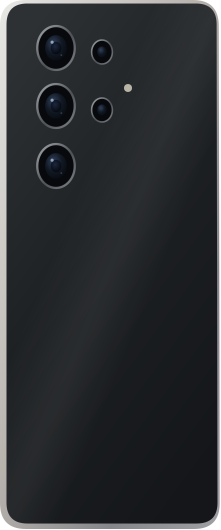
A phone filming, seen from the backREC
Films
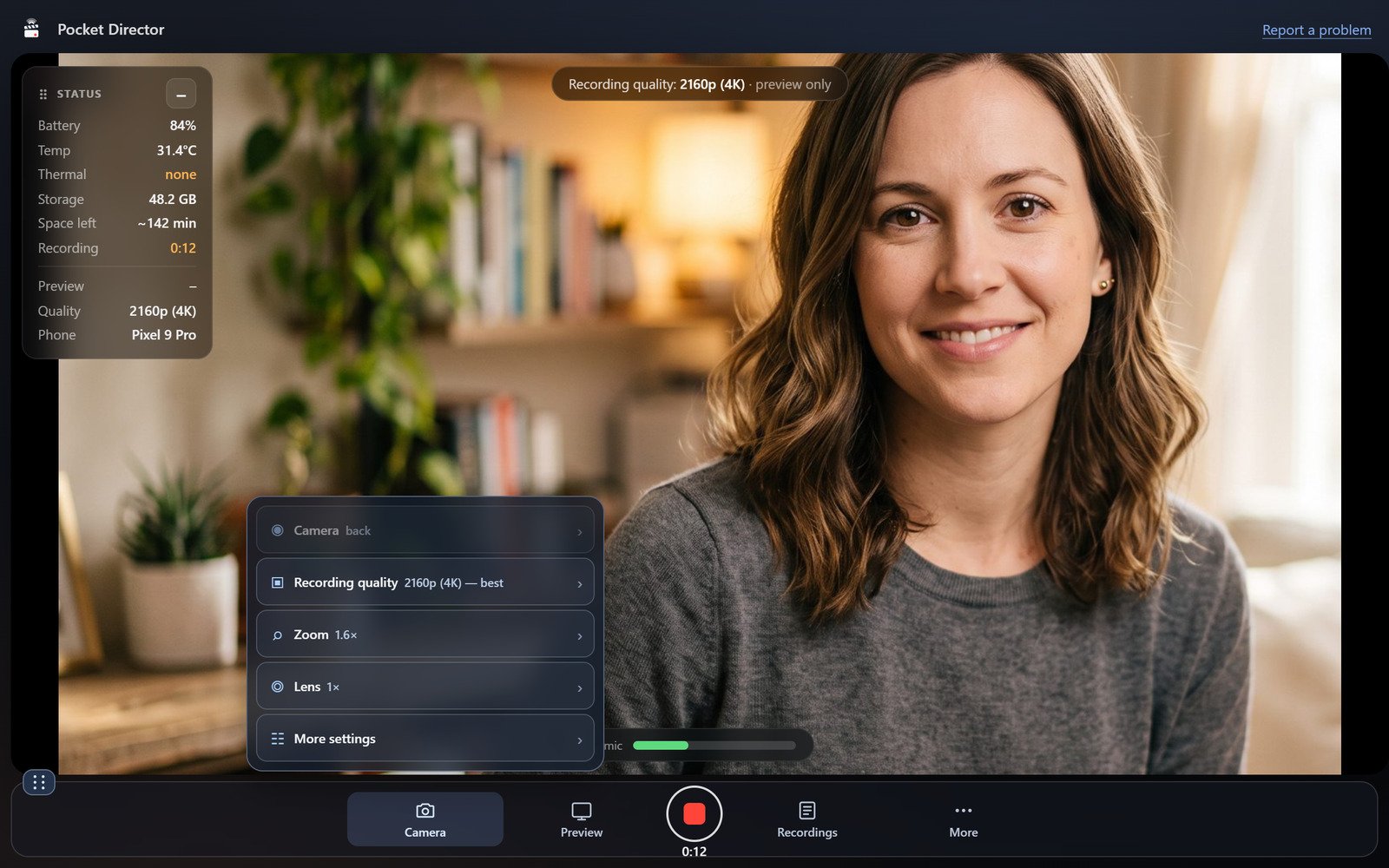
Pocket Director in a laptop browser
Computer
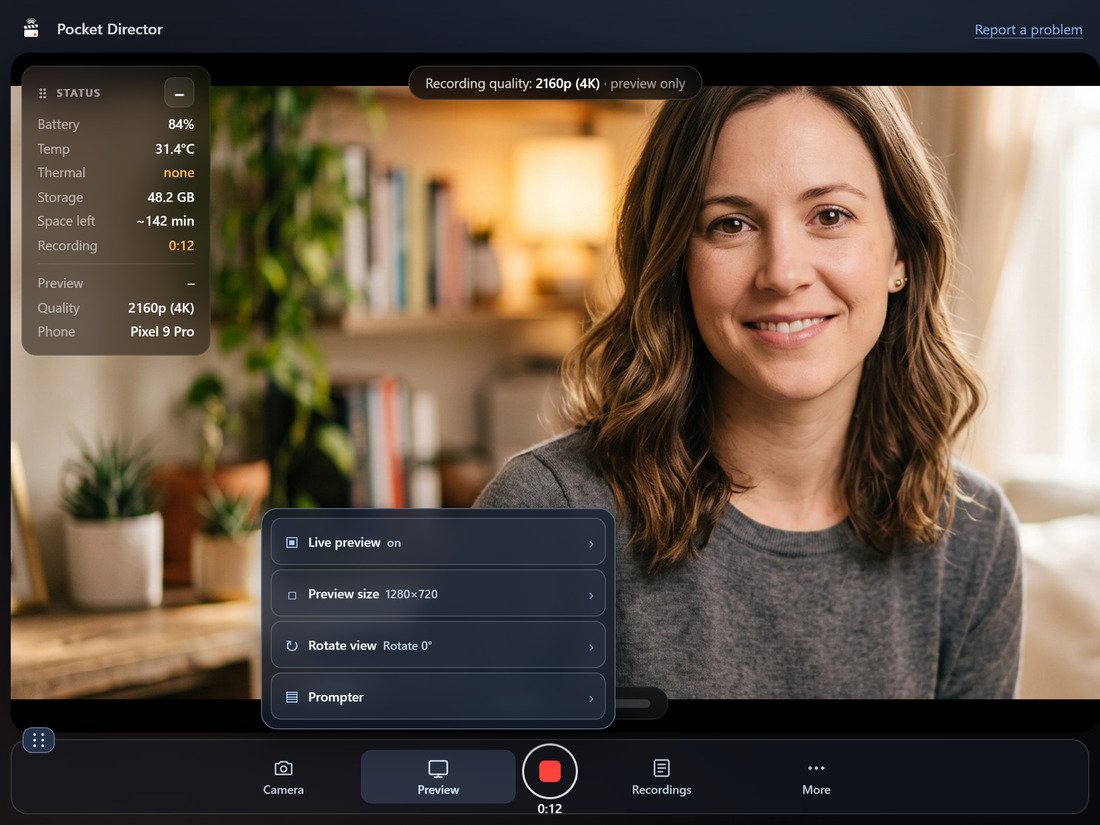
On a tablet
Tablet
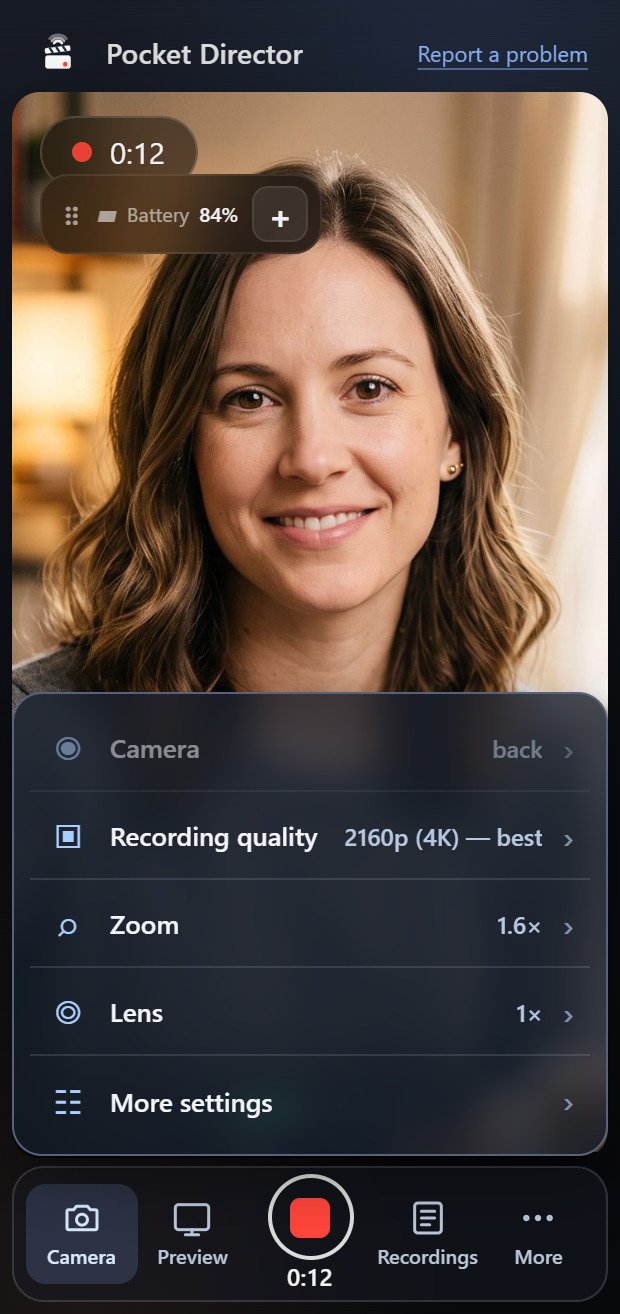
On a second phone
Phone
01 · Directing

See the shot. Adjust it. Watch the take.

A take in progress

Real screenshot · take running at 2:41

See the shot — then tap to focus

A live, full-size preview of exactly what's recording. Tap anywhere and the camera pulls focus there.

Light, colour, zoom — and the mic level

Adjust while you watch, with the mic level in dB always moving. Lock it, and take four matches take one.

Watch your takes — download or delete

The moment you stop, the take is there. Play it, save it to this screen, or delete it.

02 · What it does

Your director's toolkit.

Click through — every screen here is the real app.

Auto-download switched on
One switch in the take row — then it looks after itself
The recordings drawer
Today's takes, with thumbnails, lengths and sizes
The camera controls
Zoom, light, EV, flash, and the two locks
The prompter
Your script, over the picture, wherever you drag it
03 · Every screen

One take. Every screen you have open.

On a computer
ComputerEvery control laid out
On a tablet
TabletReadable across a room
On a phone
PhoneIn your hand
04 · Setting up

Three steps, and none of them involve a cable.

192.168.1.24:8080
01 — Connect

Scan the code, or type the address

First, put both devices on the same Wi-Fi, or join the second device to the phone's hotspot. Then scan the QR code or type the address into its browser.

Easy — no pairing code to find
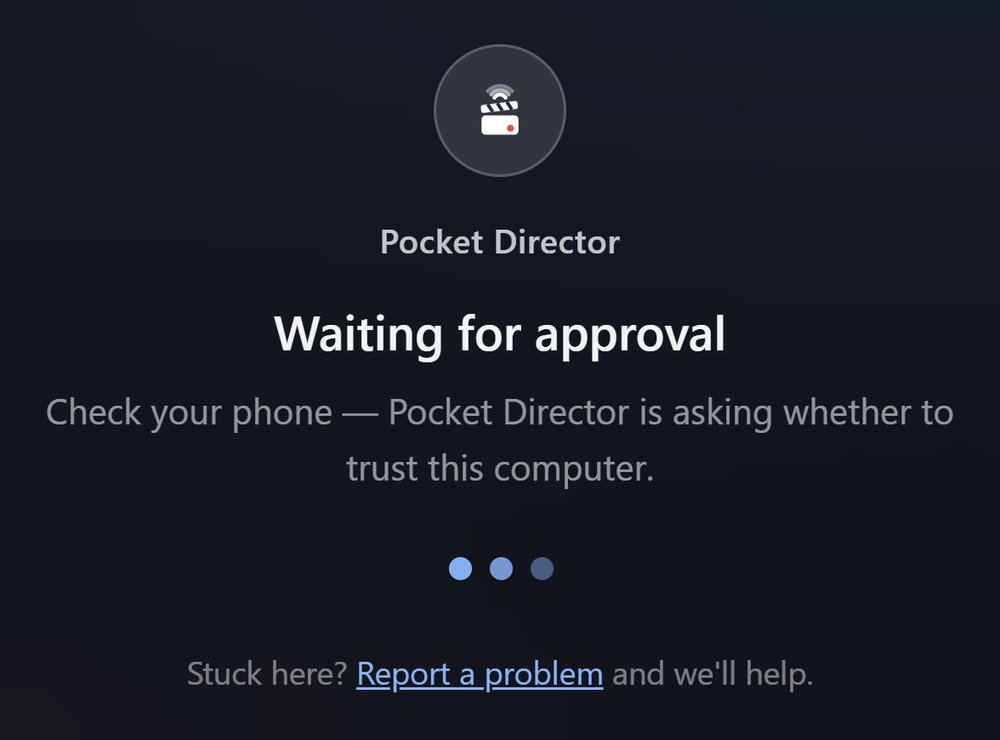
Waiting for approval
02 — Approve

Say yes on the phone

Your phone asks whether to trust the new screen. Nothing is visible until you tap yes.

Secure — you approve every screen
Watching yourself record
03 — Record

Watch yourself, and run the camera

Live picture, running timer, mic meter — and the record button, zoom and exposure right there under it.

You see the take while you're in it
05 · Privacy

Nobody watches without your say-so.

A new screen sees nothing at all until you tap Approve on the phone. Everything stays on your own network.

Waiting for approval

You approve every screen

Each new device waits on the phone's permission before it sees a single frame.

Today's takes only

Older recordings stay hidden until you allow them, and only for that session.

Close the app, everyone's out

Every connection drops the moment you close it. Nothing is ever uploaded anywhere.

Stop guessing. Start directing.

Available on Google Play and the App Store for Android, iPhone and iPad. The filming device needs iOS 16 or later on iPhone or iPad. The other screen needs a browser and the same Wi-Fi or the phone's hotspot.

$2.99 in the US on both stores. Price may vary by region.